

Build, test & grow Shopify stores with AI
Shopify
AI builds your stores and product pages instantly. Test faster, launch with confidence, and lift average order value with built-in bundles and smart upsells.
Start a 90-Day Shopify Trial for just $1.00 (Limited time only)
Sign in to the Atlas and start creating your AI-powered, conversion-optimized store.
Get Shopify for $1 for 90 days
AI builds your stores and product pages instantly. Test faster, launch with confidence, and lift average order value with built-in bundles and smart upsells.
Test everything, Build nothing










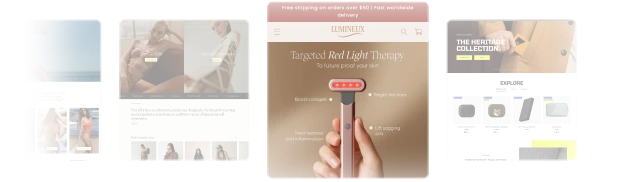
Change anything by asking Atlas
35+ sections available to give you full creative control
Publishes into a Shopify theme you pick. Your theme stays yours
Trusted by beginners and pros - from first sale to seven figures
Proven to convert — powering $250M+ in lifetime user sales
Build pages, test new angles and add offers from one place in your browser.
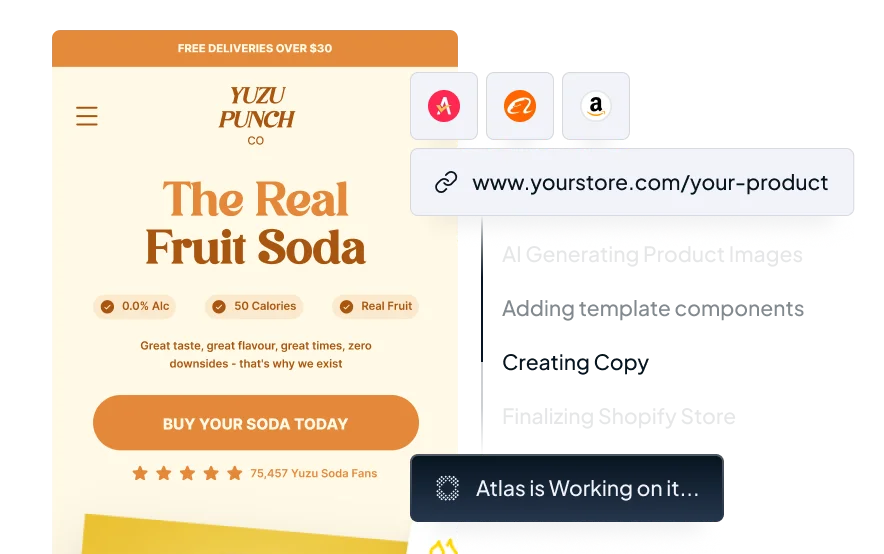
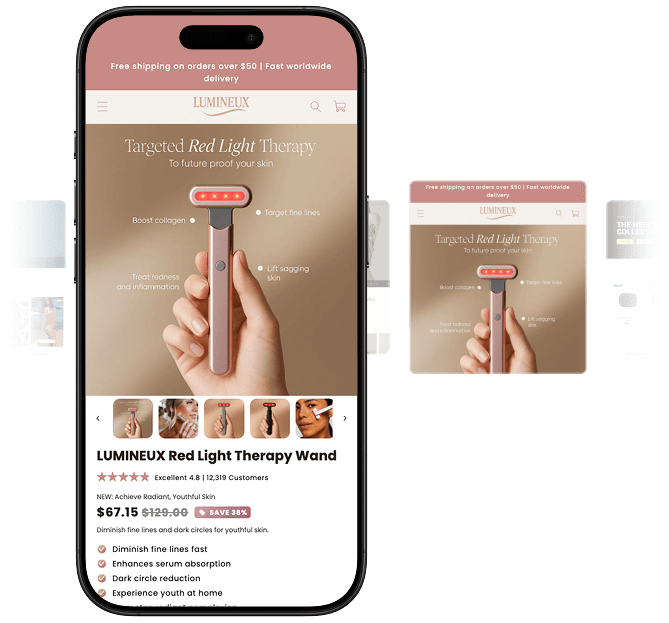
Paste a product link and Atlas builds a home page and a product page that match, with the copy written for you.
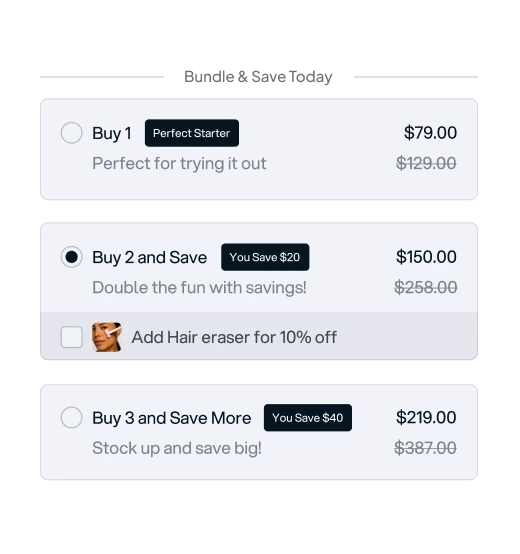
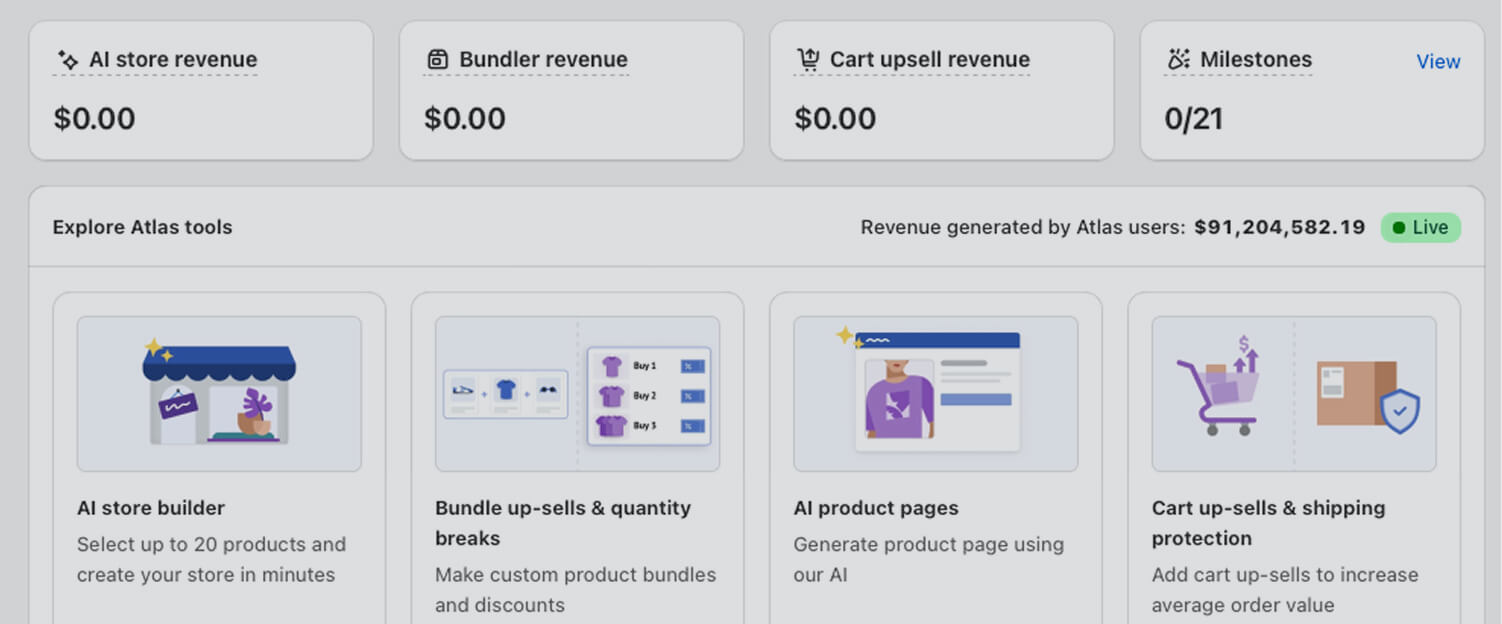
Bundle offers, free gifts and upsells on your product pages. Included on the Scale plan.
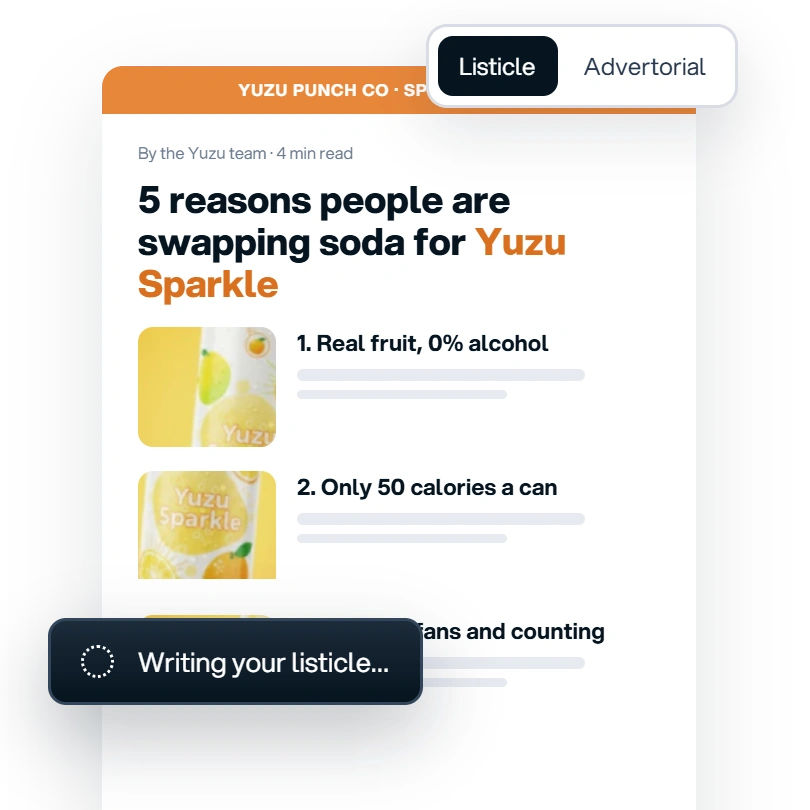
Listicles and advertorials that warm up your traffic and send it to your product page.
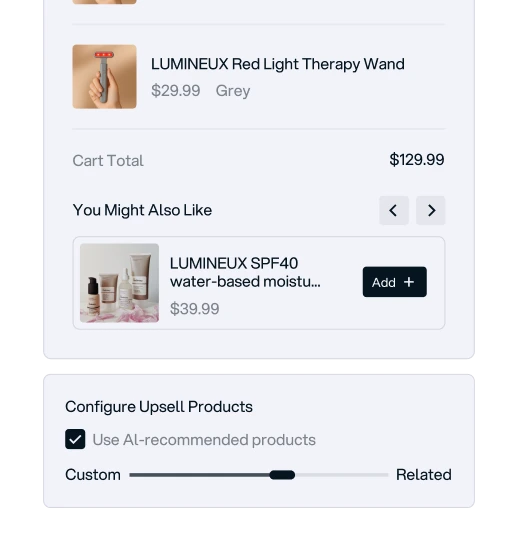
Add personalized upsells, offers, and timers directly inside your cart - no extra apps required.



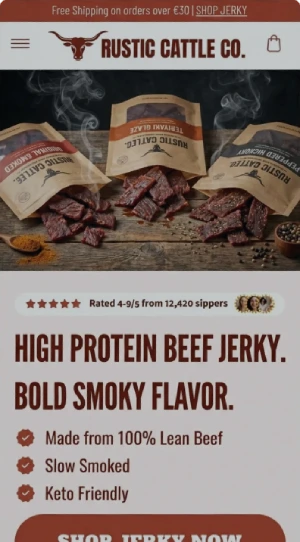
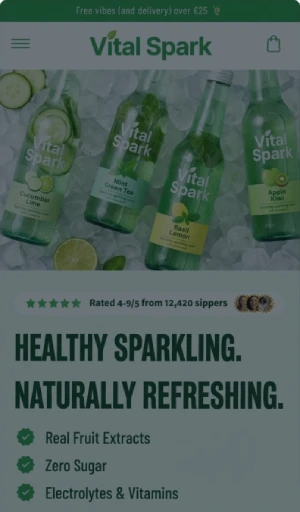
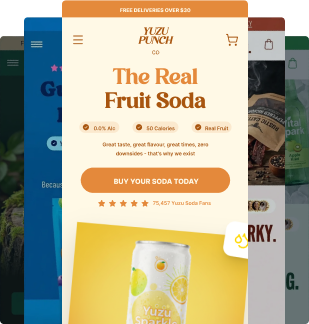
Get a product page in about two minutes, or a new version written for another audience and angle to test.
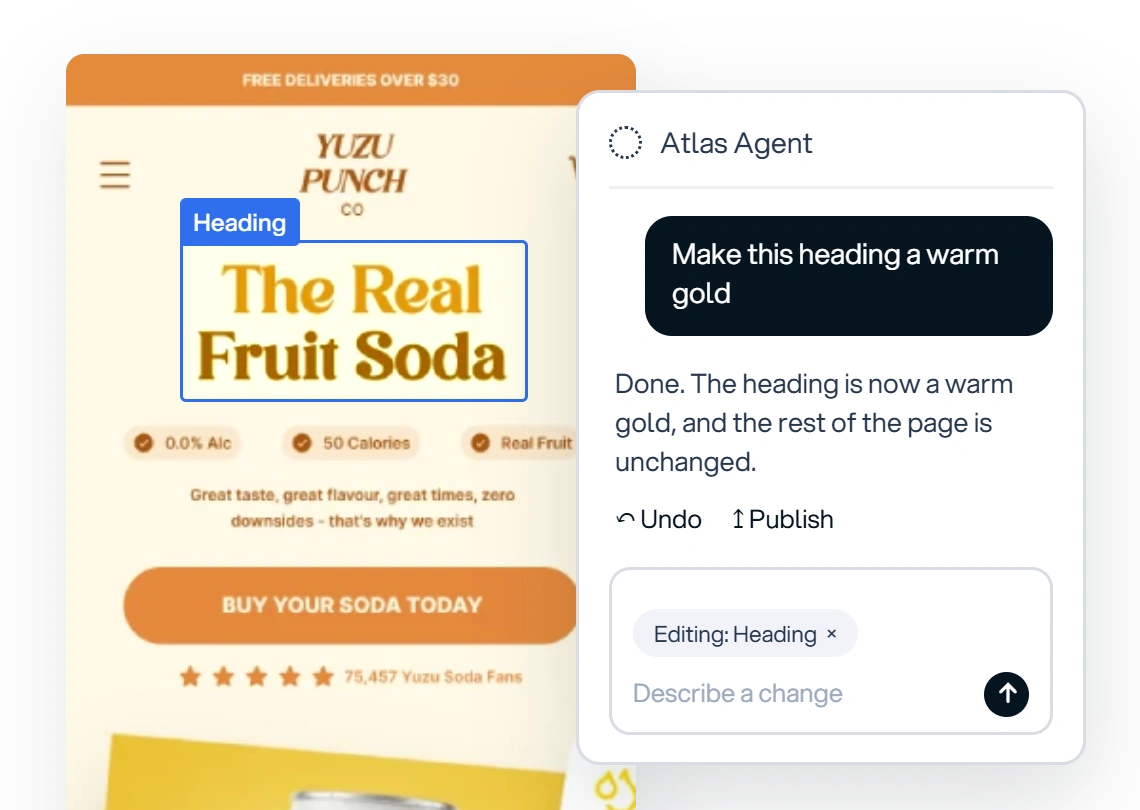
Click any part of a page and say what to change. Atlas makes the edit, and you publish when it's ready.
The AI store builder used by 7-figure brands, Shopify experts, and E-commerce creators.
"Atlas streamlined what used to be a time-consuming process of building product pages, making it much faster to launch and test new products."
Faster product page creation
Saved per product tested
"Atlas handles the heavy lifting so we can focus on driving traffic and revenue."
"Atlas got my store done fast, bought back my time, and is a big reason I'm on pace for my first $1m month."
Revenue generated with
AI built pages
To build a product page
with Atlas
Hours saved building
pages manually
Weekly product/
product angle tests
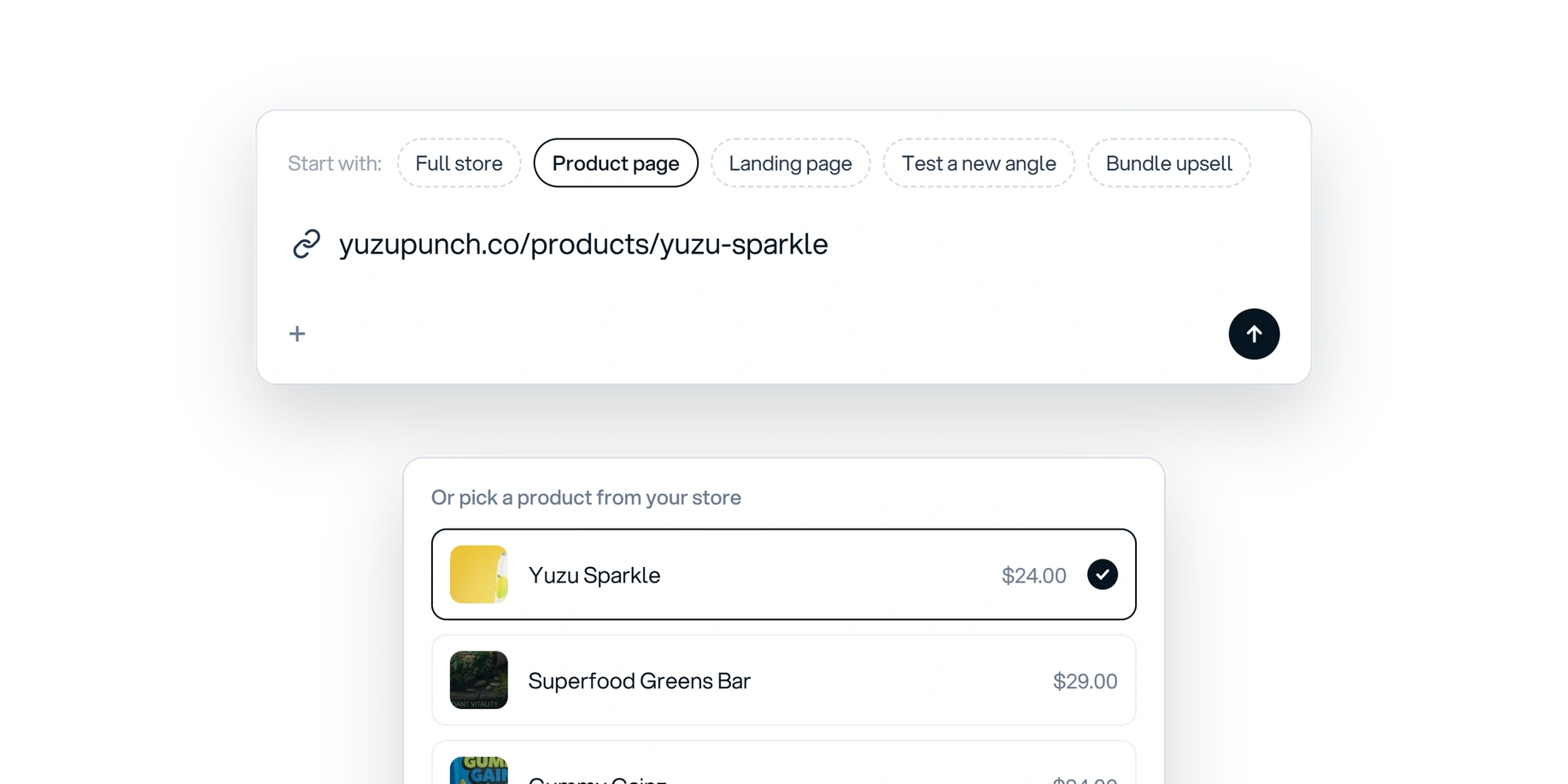
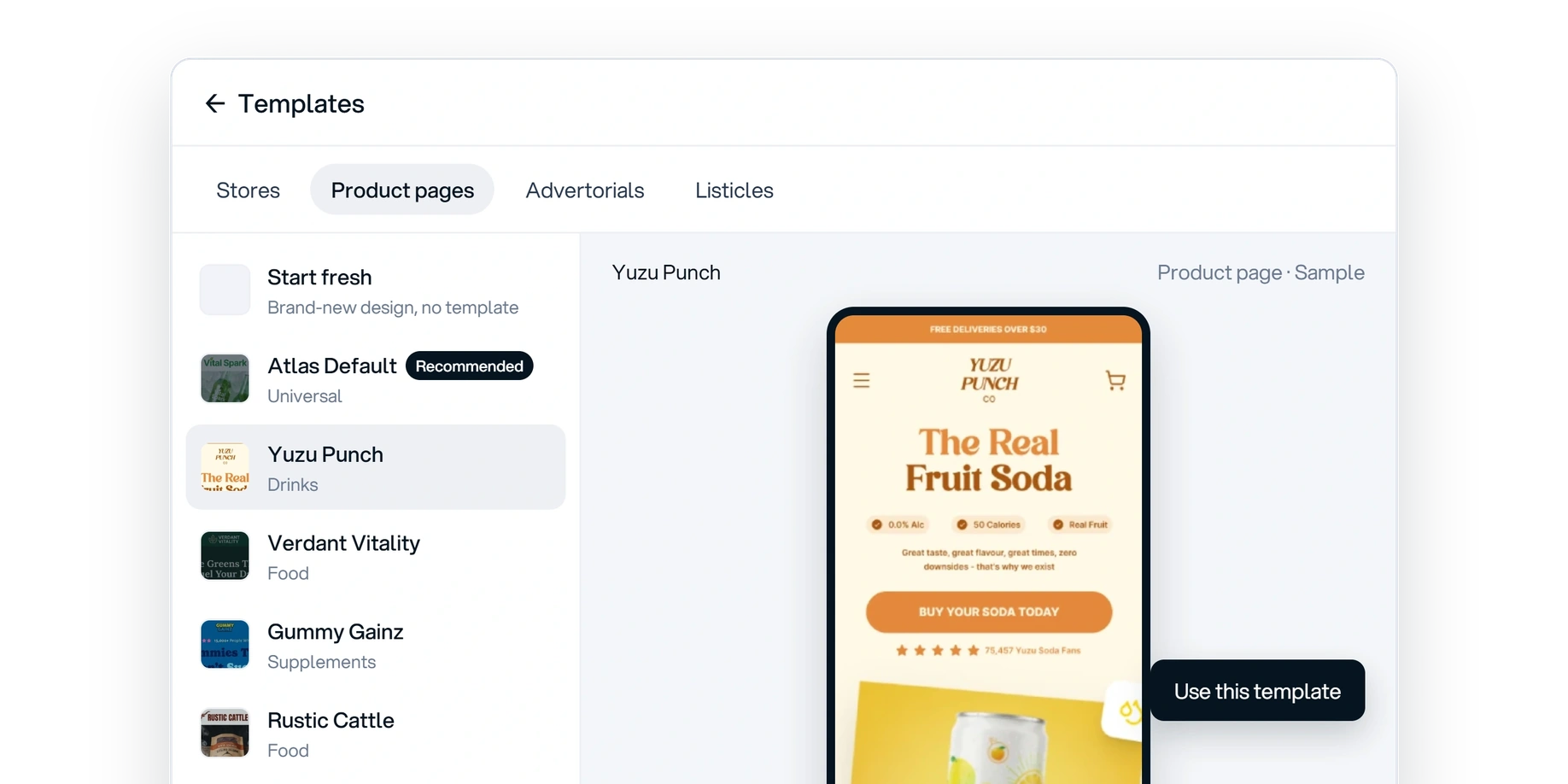
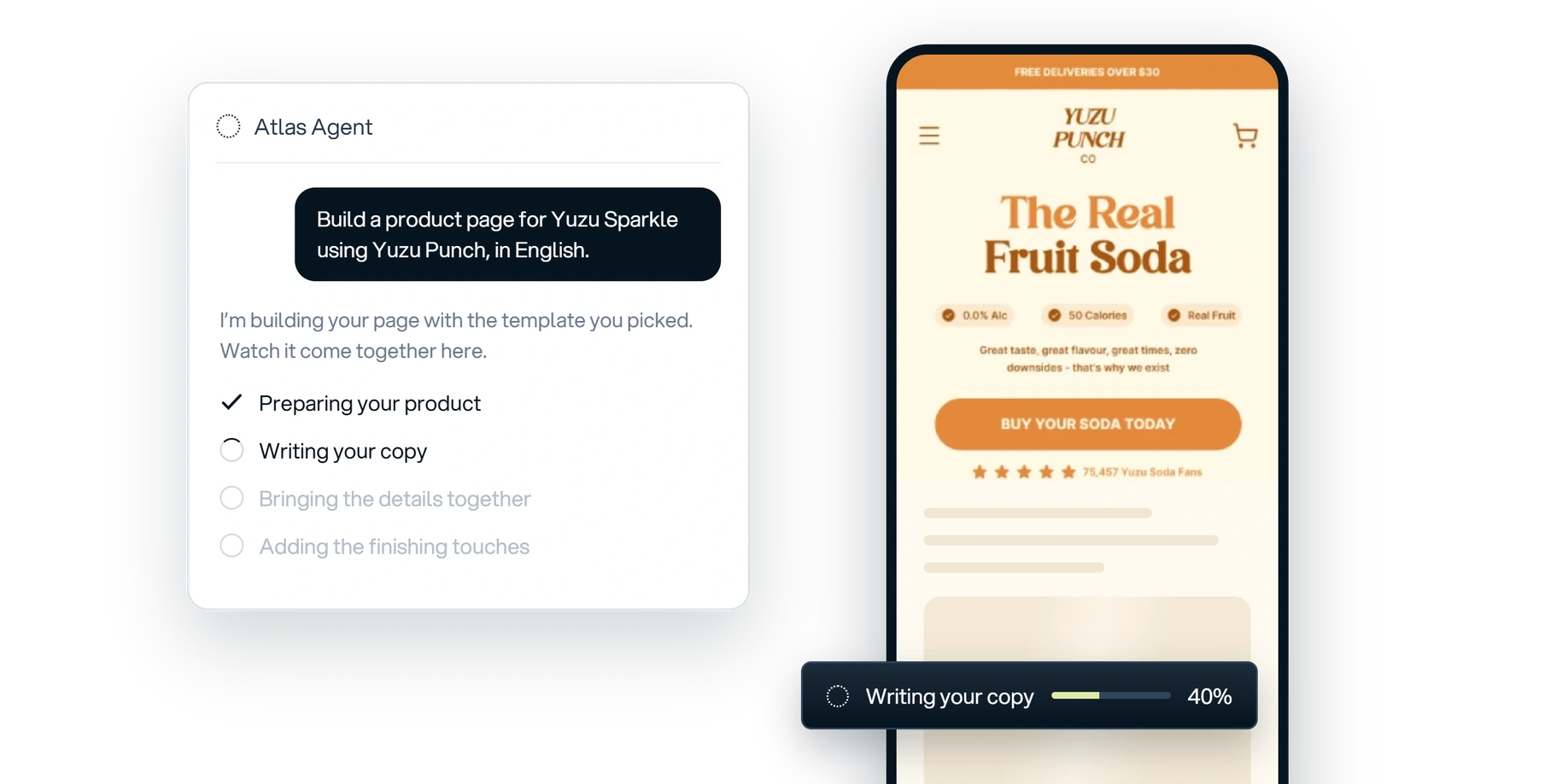
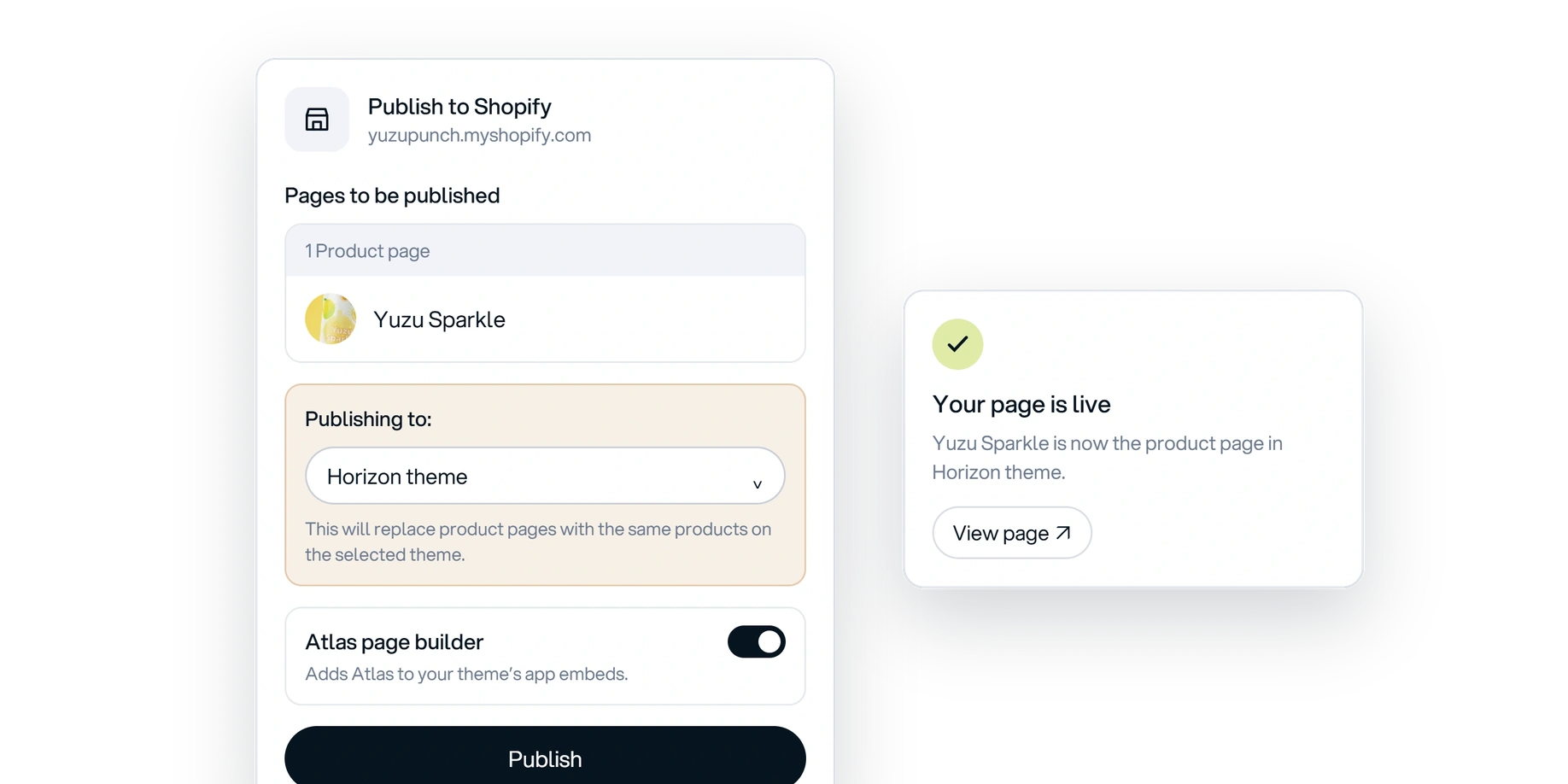
Paste a product link, or pick a product from your Shopify store.
Choose a proven template for your store, product page or pre-sell page.
Atlas writes the copy and builds the page in front of you in about two minutes. Then ask for any changes.
Publish into a Shopify theme you pick, then start sending traffic.
Everything you need to know about Atlas.
What is Atlas?
Atlas builds ecommerce pages with AI, right in your browser at web.helloatlas.io. Paste a product link or pick a product from your store, and Atlas builds a full store, a product page or a pre-sell page.
You change it by asking Atlas, then publish it to your Shopify store.
Do I need a Shopify store?
Not to build. You can build from a pasted product link without a store.
To use your own products, or to publish, connect your Shopify store. That installs the Atlas app in your Shopify admin, which Atlas uses to read your products and publish pages into a theme you pick.
How do credits work?
A build uses 3 credits for a full store, 2 for a product page and 1 for a pre-sell page. Asking Atlas for changes in the editor also uses credits, depending on the change.
Publishing, bundles and cart upsells use no credits. Unused plan credits carry over for up to 2 months, and credit packs last 12 months.
What does Atlas cost?
You start free with 15 credits and no card. On Free, saving a card gives you 15 credits a month, and the card isn't charged. Free builds, edits and previews; publishing needs a paid plan.
Launch starts at $25/month and Scale at $49/month, from 100 to 1,000 credits a month. Yearly billing gets you 2 months free. Bundles and cart upsells are included on Scale.
Can I edit a page after Atlas builds it?
Yes. Click any part of a store or product page and ask Atlas for the change, type into the text, or replace images and videos. Nothing changes on your store until you publish.
What does publishing change in my store?
Atlas adds its pages to a Shopify theme you pick. A product page becomes that product's page in the theme, and a full store also replaces that theme's home page. Your theme stays yours, and publishing uses no credits.
How do I cancel?
Open Settings, then Billing & credits, click Manage plan and choose Switch to Free. Your plan stays until the end of the period you've paid for, then your account moves to Free.